Home › App Store
Bos TV Prime App Store
Every Bos TV Prime app in one place — Bos Tv Xtream, Bos Tv 8K Player v4.1, Bos TV Player v3.9, Sky Bos Tv Player ibo, Sky Bos Tv Player With VPN and XC Bos Tv Player 7.0. Download the APK straight to an Android phone or TV box, or use the Downloader code if you are on a Fire Stick. Both routes are explained below.
Bos TV Prime
Our newest premium player — live channels, movies and series in HD and 4K with a clean gold interface. Recommended.
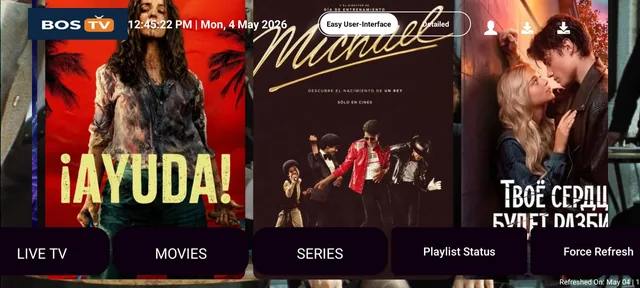
Bos Tv Xtream
Xtream Codes player for Bos TV Prime lines. Live TV, movies and series with EPG and catch-up.
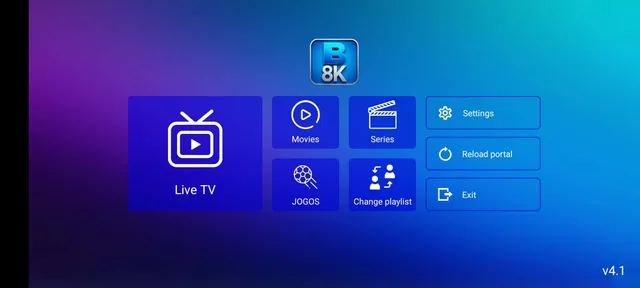
Bos Tv 8K Player v4.1
8K Player build 4.1, blue theme. Lighter interface, good on older TV boxes.
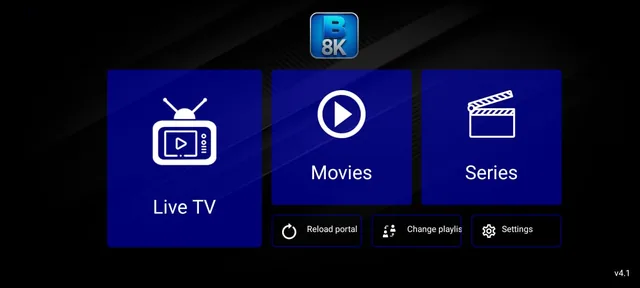
Bos Tv 8K Player v4.1 (New)
The newer 4.1 build with the dark layout. Try this one first if your device is recent.
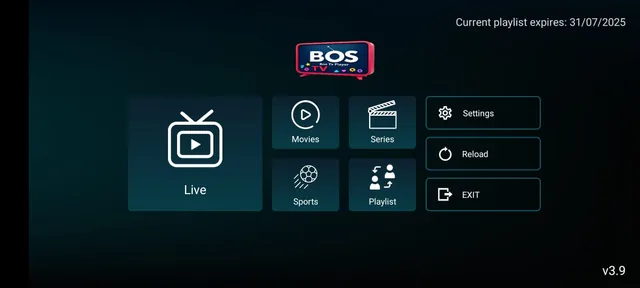
Bos TV Player v3.9
The classic Bos TV Prime Player. Stable and simple, works on almost anything.
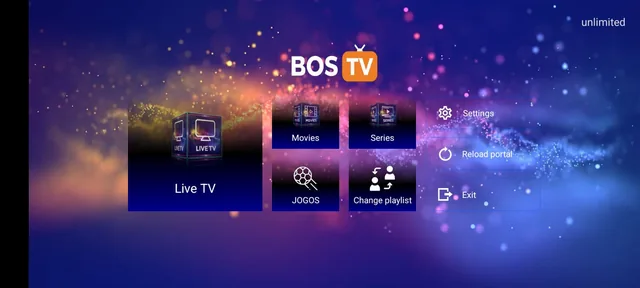
Sky Bos Tv Player ibo
Sky Bos TV Prime in the ibo style layout, popular on smart TVs.
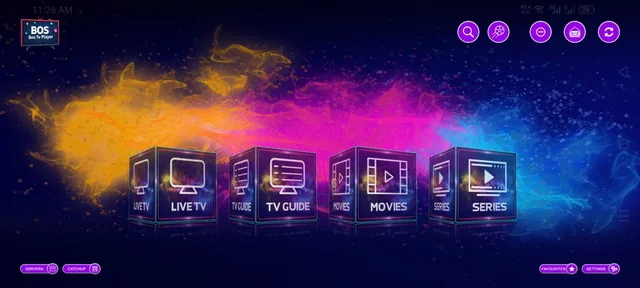
Sky Bos Tv Player With VPN
Sky Bos TV Prime with a built-in VPN, for networks that block IPTV.
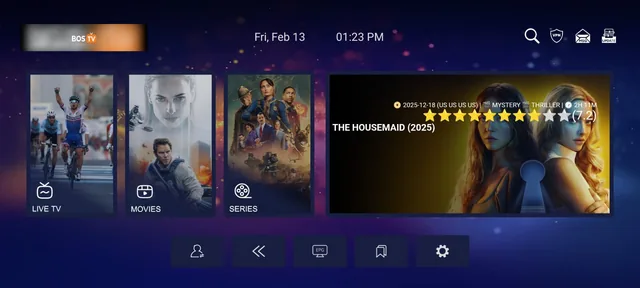
XC Bos Tv Player 7.0
XC Bos TV Prime Player version 7.0, the largest build with the most features.
Two ways to install
On a phone or Android TV box, the direct download is quickest. On a Fire Stick there is no browser, so the Downloader code is the way in.
Direct APK download
Best for Android phones, tablets, Android TV boxes and Android smart TVs.
- Open Settings › Apps › Special access › Install unknown apps and allow your browser to install apps.
- Press the Download APK button on the app you want above.
- When the download finishes, open it from the notification bar or from Files › Downloads.
- Tap Install. If Play Protect warns you, choose Install anyway — it shows for every app not from the Play Store.
- Open the app and enter the line details we sent you on WhatsApp.
Install with a Downloader code
Works on any Android device — phone, Android TV box, Android smart TV and Fire Stick. This is the only way in on a Fire Stick, which has no web browser.
- Open the Google Play Store (or the Amazon Appstore on a Fire Stick).
- Search for Downloader by AFTVnews and install it.
- Open the Downloader app.
- On a Fire Stick, first allow unknown apps for Downloader under Settings › My Fire TV › Developer options.
- In the URL box, type the Downloader Code shown on the app card above and press Go.
- The Bos TV Prime APK downloads automatically — wait for it to finish.
- Tap Install and wait a few seconds.
- Open Bos TV Prime, enter the line details we sent you on WhatsApp, and enjoy.
About the codes: a Downloader code is just a short number that stands in for a long web address, so you do not have to type a full link with a TV remote. We change the code whenever a new build goes out, so always take the one shown on this page rather than an old one saved from before.
Devices these apps run on
Android 5.0 and newer covers almost everything sold in the last ten years.
Common problems and fixes
Nearly every install problem is one of these four. If none of them match, message us with your device model.
Unknown-sources permission is off for the app doing the downloading. Turn it on for that exact app — the browser, or Downloader — not a different one.
Old codes stop working after a new build. Use the code printed on the card above, and check you typed only the digits with no spaces.
An older copy signed differently is still on the device. Uninstall the old Bos TV Prime app first, then install the new APK.
The line details are wrong or the subscription has expired. Re-enter the username, password and server URL exactly as sent, watching for stray spaces.
Questions about the apps
It is a short number you type into the Downloader by AFTVnews app instead of a long web address. The code points at our APK file, so the download starts straight away. It is the easiest route on a Fire Stick, which has no web browser.
Yes, the app costs nothing. You need an active Bos TV Prime line to watch anything inside it, and you can ask for a free trial line on WhatsApp before buying a package.
Player apps of this type are distributed outside the Play Store, so we host the files ourselves. That is why your device asks for the unknown-sources permission the first time.
No. Install the new APK over the old one and your settings stay in place. Only uninstall first if the install fails with a signature error.
Each line allows a set number of connections at the same time. Ask us on WhatsApp how many your package includes, or add extra connections to it.
Download it only from this page on bostv.click. Any Bos TV Prime app offered on another site or forwarded in a group is not published by us.
The Bos TV Prime app store holds every official player for your Bos TV Prime line — live channels, movies and series in HD and 4K on Android phones, TV boxes, Android smart TVs and Fire Stick. Download the APK above or use the Downloader code, follow the steps for your device, then enter the line details from your WhatsApp message. Stuck at any point? Message us and we will walk you through it.